Details
- Item types:
- Physical
- Instructionals:
- Methods and More Teach Yourself Texts, Reference
- Usages:
- School and Community
- Number of Pages:
- 92
- Shipping Weight:
- 0.75 pounds
SKU: AP.38853
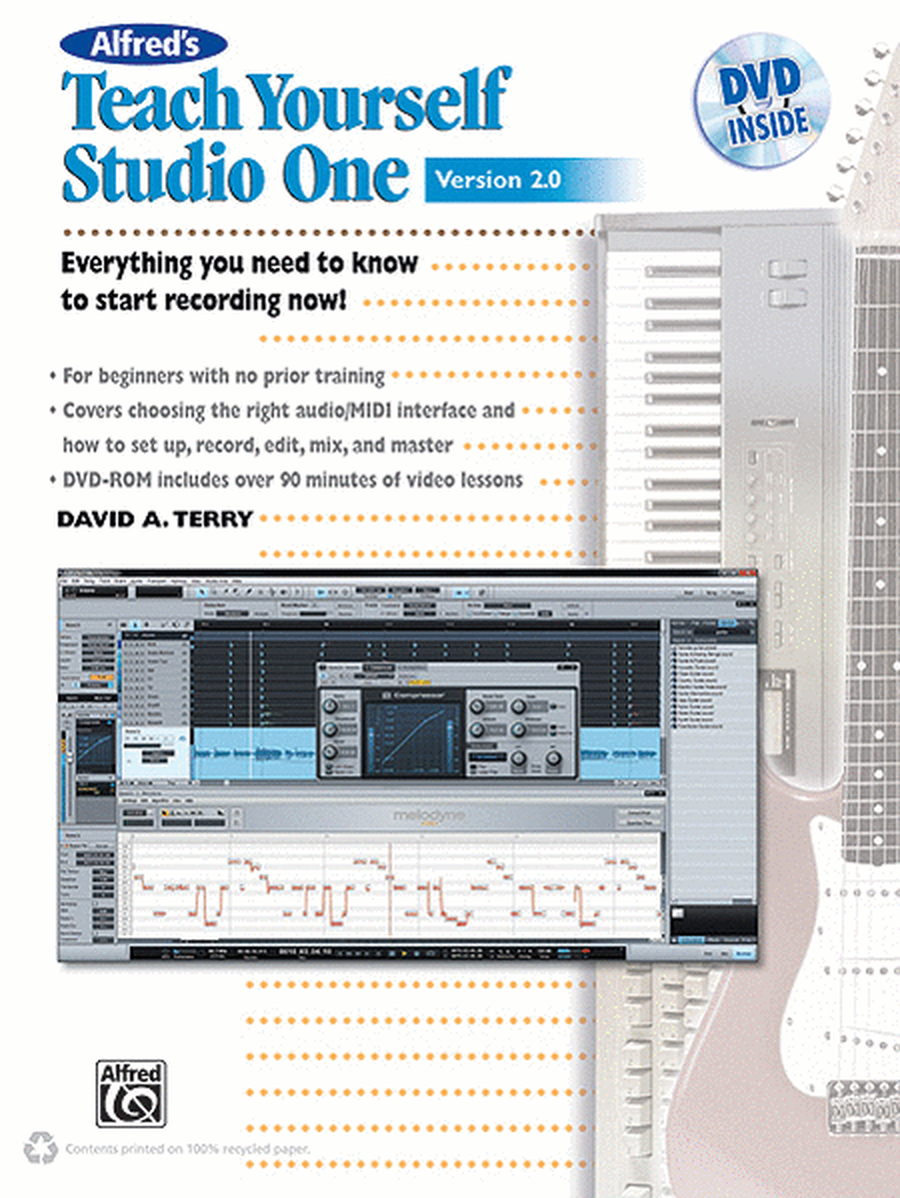
Everything You Need to Know to Start Recording Now!. Composed by David Terry. Books and DVDs; NAMM Best in Show; Pro Audio; Pro Audio Textbook; Reference Textbooks. Teach Yourself Series. Book and DVD. 92 pages. Alfred Music #00-38853. Published by Alfred Music (AP.38853).ISBN 9780739085004. UPC: 038081431109. English.
This book will teach you everything you need to know to get started using Studio One today! Whether you're a beginner with no prior training, or you have some knowledge of Studio One and are in need of a refresher course, Alfred's Teach Yourself Studio One, Version 2.0 is the perfect resource. Completely updated for Version 2.0, this book and DVD will teach you how to optimize your Mac and Windows computer; work with MIDI; choose an audio/MIDI interface; select microphones; use loops, plug-ins, and effects; record audio; combine multiple takes; edit audio; and create a stunning final mix. When you're finished, you'll be able to record, edit, mix, and send your songs out for the world to hear on CD and on the internet. The DVD contains over 75 minutes of video that clearly demonstrates the essential features of Studio One.
Best in Show Award at Winter NAMM 2012 presented by Music Inc. magazine.
About Teach Yourself Series
Be your own teacher, and let Alfred's Teach Yourself series guide you every step of the way. Beginners of all ages can start their journey to a lifetime of musical enjoyment. Each method begins with basic fundamentals, such as hand position, holding the instrument, and getting acquainted with standard musical notation. Then move along to playing well-known songs -- all as you continue to increase your ever-growing ability to read music and understand your instrument. You will learn to play in an array of musical styles, including pop, blues, folk, and more. Alfred's Teach Yourself series opens up a brand-new world of musical knowledge and gives you everything you need to know to start playing now!
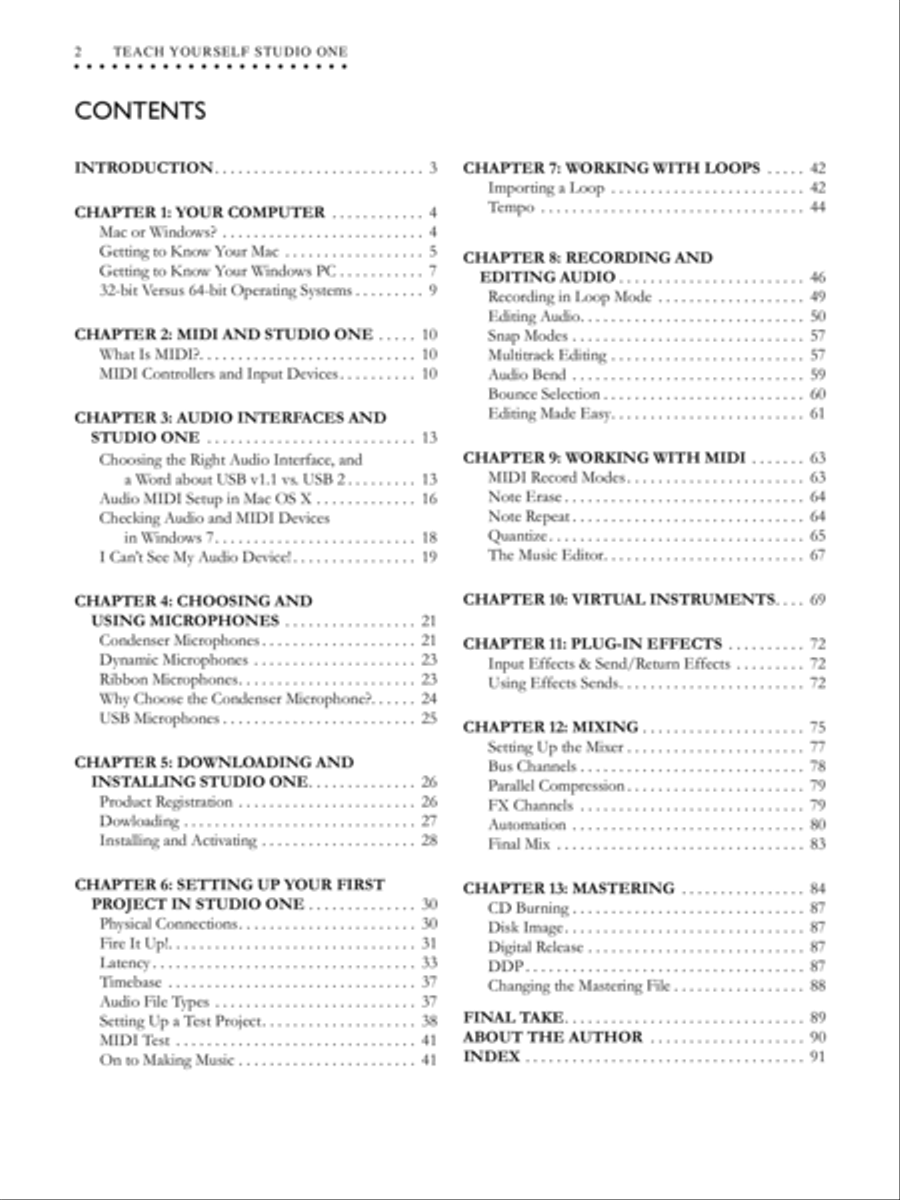
Introduction
CHAPTER 1: YOUR COMPUTER
Mac or Windows?
Getting to Know Your Mac
Getting to Know Your Windows PC
32-bit Versus 64-bit Operating Systems
CHAPTER 2: MIDI AND STUDIO ONE
What Is MIDI?
MIDI Controllers and Input Devices
CHAPTER 3: AUDIO INTERFACES AND STUDIO ONE
Choosing the Right Audio Interface, and a Word about USB v1 .1 vs . USB 2
Audio MIDI Setup in MAC OS X
Checking Audio and MIDI devices in Windows 7
I Can't See My Audio Device!
CHAPTER 4: CHOOSING AND USING MICROPHONES
Condenser Microphones
Dynamic Microphones
Ribbon Microphones
Why Choose the Condenser Microphone?
USB Microphones
CHAPTER 5: DOWNLOADING AND INSTALLING STUDIO ONE
Product Registration
Downloading
Installing and Activating
CHAPTER 6: SETTING UP YOUR FIRST PROJECT IN STUDIO ONE
Physical Connections
Fire It Up!
Latency
Timebase
Audio File Types
Setting Up a Test Project
MIDI Test
On to Making Music
CHAPTER 7: WORKING WITH LOOPS
Importing a Loop
Tempo
CHAPTER 8: RECORDING AND EDITING AUDIO
Recording in Loop Mode
Editing Audio
Snap Modes
Multitrack Editing
Audio Bend
Bounce Selection
Editing Made Easy
CHAPTER 9: WORKING WITH MIDI
MIDI Record Modes
Note Erase
Note Repeat
Quantize
The Music Editor
CHAPTER 10: VIRTUAL INSTRUMENTS
CHAPTER 11: PLUG-IN EFFECTS
Input Effects & Send/Return Effects
Using Effects Sends
CHAPTER 12: MIXING
Setting Up the Mixer
Bus Channels
Parallel Compression
FX Channels
Automation
Final Mix
CHAPTER 13: MASTERING
CD Burning
Disk Image
Digital Release
DDP
Changing the Mastering File
FINAL TAKE
About the Author
Index
- Series:
- Teach Yourself Series
- Publisher:
- Alfred Music
Ratings + Reviews
5 Rating
1 review
Mercible
Jun 1, 2013
This is a great way for a beginner to get started using Studio One v 2.0. I'm a good musician, but a lousy sound engineer. I was concerned about finally having to make the jump from stand-alone, computer-free, multi-track recorders into the digital age. I went kicking and screaming, but after seeing reviews about how easy and intuitive Studio One is supposed to be, I decided to give it a try. After loading onto my computer, I just sat there and looked at it not really knowing what to do next. So, I went and bought this book. Yea! It took me step-by-step through all the basics and allowed me to more easily figure out how to use a DAW. So now, I feel like I can actually record music again without being so afraid of the software. Thanks!